Overview of KeePass2Android
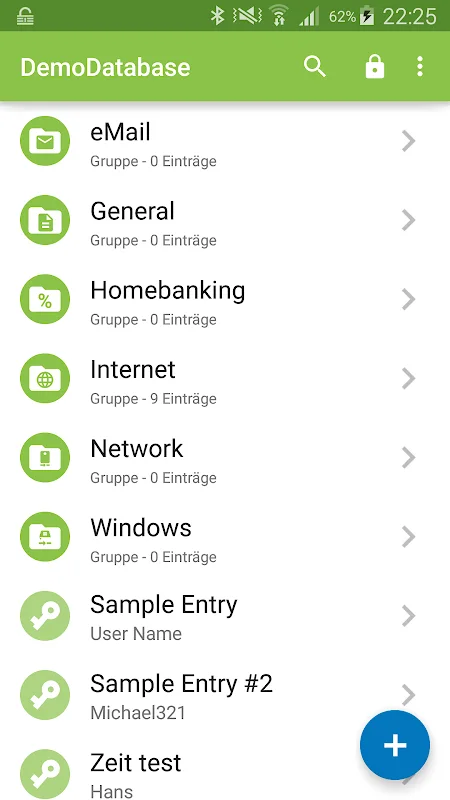
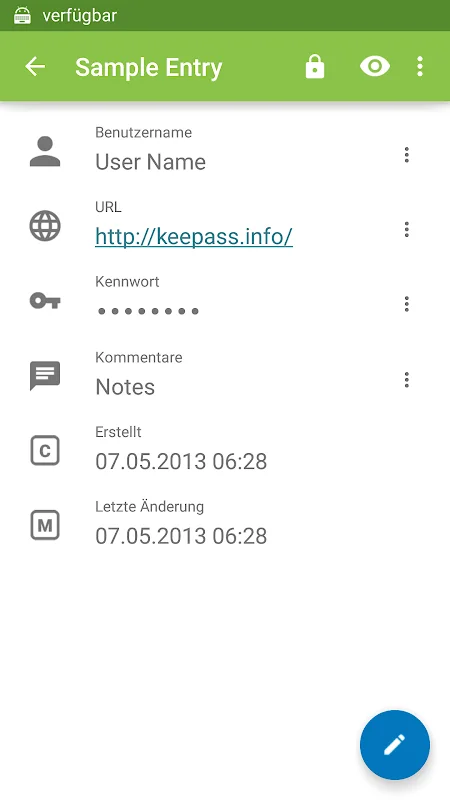
KeePass2Android is an open-source application designed for secure and efficient password management on Android devices. Based on the KeePass technology, it allows users to create encrypted password databases that safeguard sensitive information through robust encryption standards such as AES, ChaCha20, and TwoFish. The app supports synchronization with various cloud services like Dropbox, Google Drive, and WebDAV, enabling seamless access to passwords across multiple devices while maintaining high security.
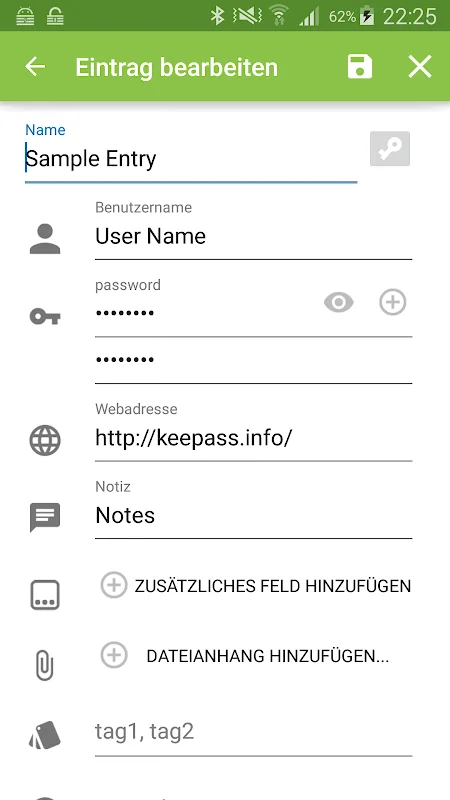
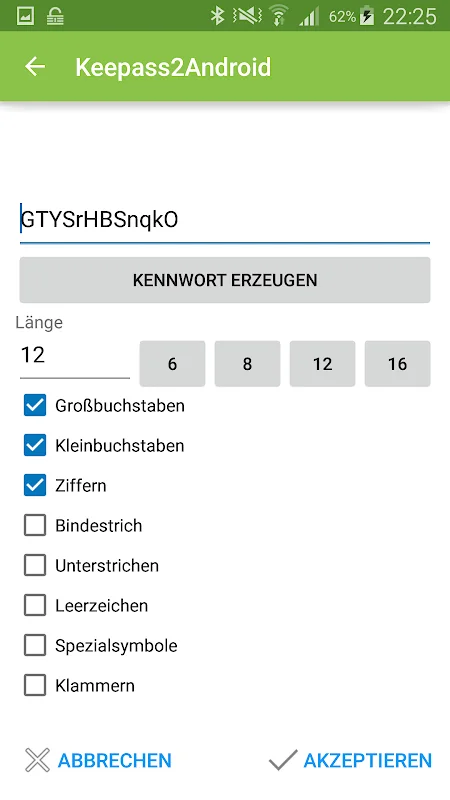
Version 1.15-r6 introduces performance enhancements and increased security features, ensuring compatibility with the latest Android systems. The app’s intuitive interface makes it easy for users to manage their passwords effectively, with features like biometric unlocking, customizable entry templates, and strong password generation tools. It supports multiple KeePass formats, including KeePass 1 and KeePass 2, as well as other compatible apps like KeePassXC and MiniKeePass, making it a versatile solution for password management.
Key Features of KeePass2Android
- Strong encryption using AES, ChaCha20, and TwoFish
- Cloud synchronization for multi-device access
- Biometric authentication for quick, secure access
- Password generator for creating strong passwords automatically
- AutoFill support for easy login into websites and apps
- Customizable templates and sub-databases for sharing passwords securely
- Compatibility with multiple KeePass versions and other password apps
System Requirements and Installation
The app requires Android 6.0 or higher for optimal performance and feature support. With a size of approximately 69.76 MB, it fits comfortably on most modern devices without occupying excessive space. Users can download KeePass2Android from the Google Play Store or via APK files, ensuring to enable installation from unknown sources if downloading outside the official store. The latest version offers enhanced stability, speed, and security to meet the needs of users demanding reliable password management.