
Introduction to XRecorder Screen Capture
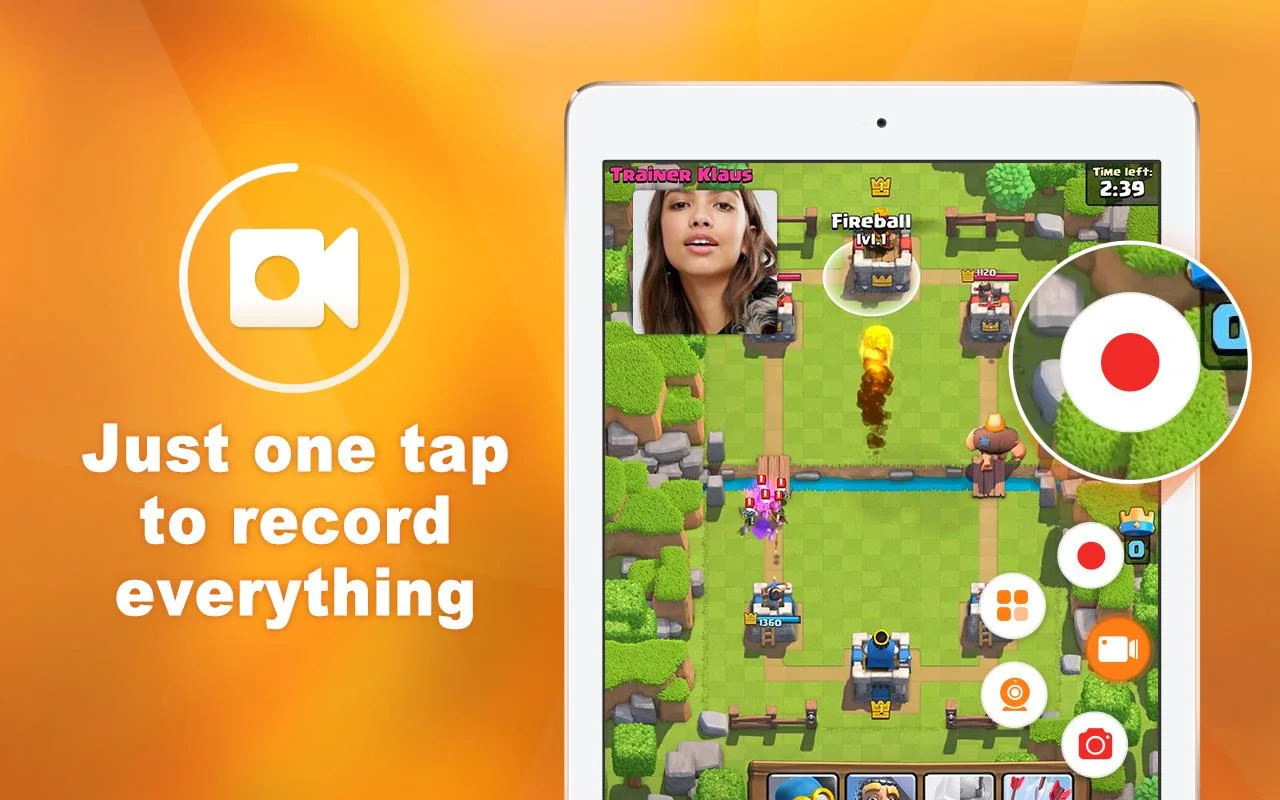
XRecorder is a comprehensive screen recording application designed for Android devices. With its user-friendly interface and advanced features, it enables users to record high-definition videos and capture clear screenshots effortlessly. Whether you’re recording gameplay, making tutorials, or streaming live broadcasts, XRecorder provides a reliable solution that meets various content creation needs.
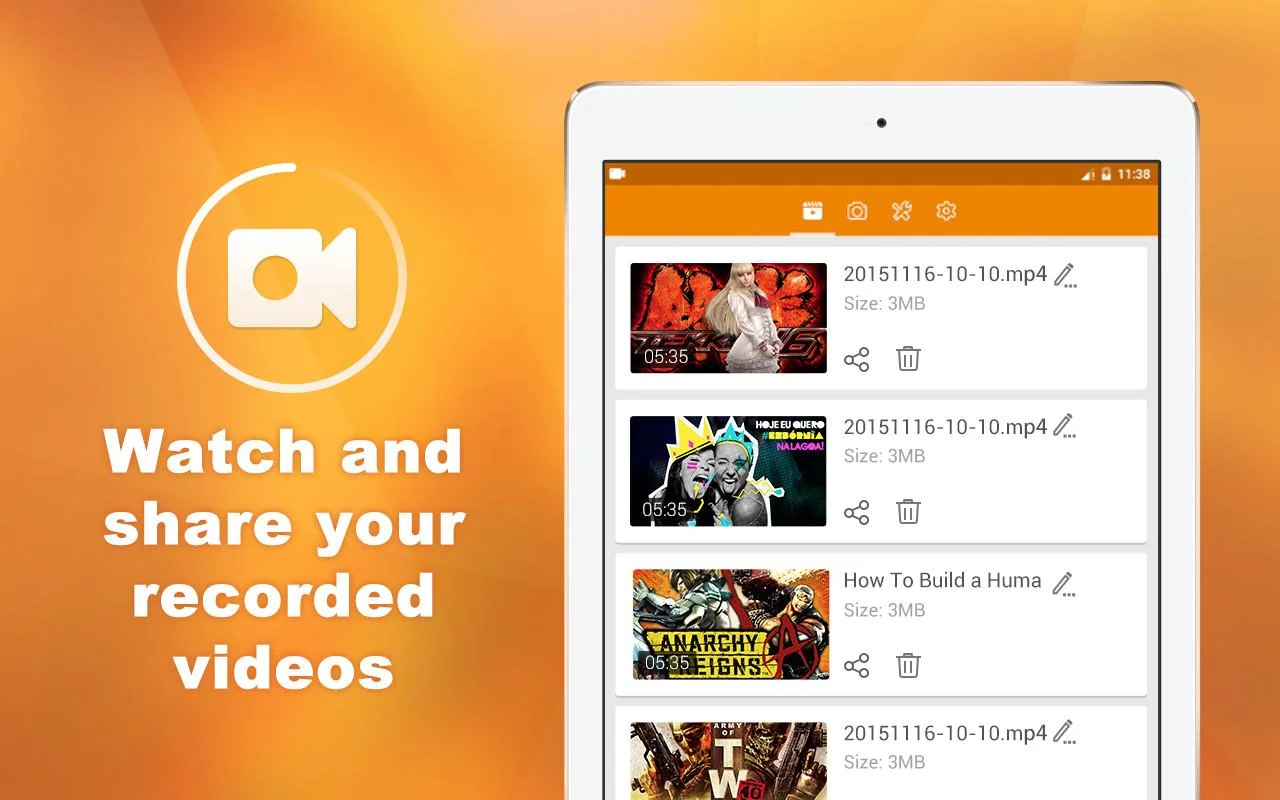
Supported by robust tools, users can record videos up to 1080p resolution at 60 frames per second, ensuring smooth and crisp footage. The app’s editing suite allows trimming, merging clips, adding music, and overlaying effects directly within the app, making it a one-stop tool for producing professional-quality content. Sharing videos and images directly to social media platforms is simple and quick, enhancing your workflow.
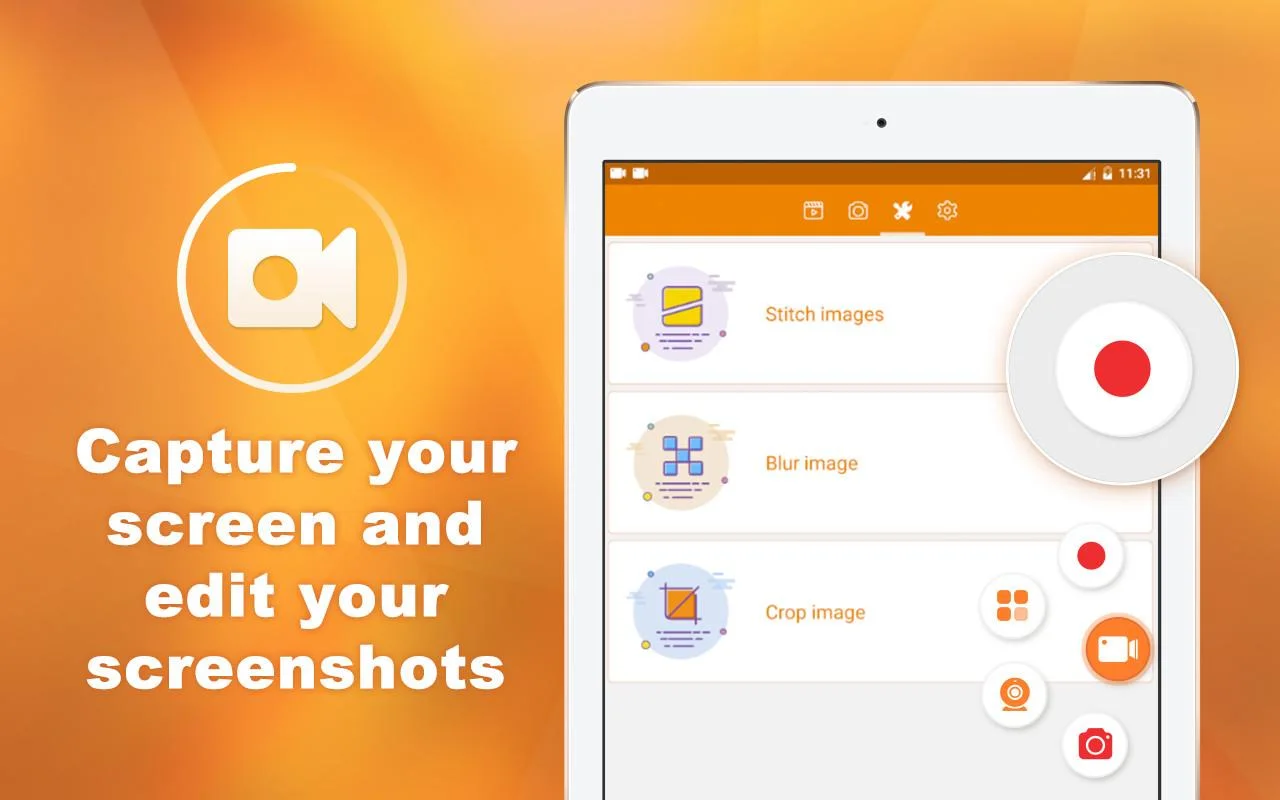
Designed for ease of use, XRecorder requires only Android 6.0 or higher. After installing the APK, users can start recording immediately, with options to pause, resume, or draw on the screen during capture—a handy feature for highlighting important elements. High-resolution screenshots can also be taken and edited instantly, providing further flexibility for content creators.
Key Features and Performance
The app boasts a straightforward interface that minimizes setup time, allowing users to begin recording in seconds. It offers customizable settings for video quality, frame rate, and resolution, enabling tailored output depending on your project needs. The ability to draw or annotate during recording helps in creating engaging tutorials or demonstrations.
Performance-wise, XRecorder is stable and efficient, consuming minimal device resources. It ensures a smooth recording experience without lag or interruptions. Whether you need to record gameplay, video calls, or live streams, the app adapts seamlessly to different Android devices, delivering consistent results.
Additional features include direct sharing options, support for external microphones, and the ability to convert videos into GIFs. These capabilities make XRecorder an all-in-one solution for digital content creation, combining quality, ease of use, and versatility.