


Introduction to Adobe PDF Reader
Adobe PDF Reader is an essential tool for users who need to open, view, and edit PDF files quickly and efficiently on Android devices. The app features a clean and intuitive interface combined with powerful functionalities such as digital signing, commenting, and supporting various document formats. It is highly favored by professionals and students alike for its reliability and comprehensive capabilities.
One of its notable advantages is its lightweight design, which ensures fast performance even with large and complex documents. The app allows access to PDF files from multiple sources, including email attachments, cloud storage services, or local device files. Regular updates improve performance and add new features while maintaining data security and privacy.
This combination of user-friendly design and versatile tools makes Adobe PDF Reader an indispensable app for daily work, study, or personal use. Its ability to handle large files, annotate documents, and integrate with cloud services provides a seamless experience for all users.
Comprehensive Overview of Adobe PDF Reader
The app offers an exceptional experience with its robust tools for opening and browsing PDFs effortlessly. It supports all types of documents, including reports, contracts, and academic papers, with features for direct interaction. Its simple interface allows users to navigate through pages easily, enhanced by Liquid Mode, which automatically adjusts text size for optimal reading on smartphones and tablets.
Effective file management features include categorization, highlighting, and tagging for quick retrieval. The app also supports smooth document switching through integration with cloud storage services like Google Drive and OneDrive, enabling access from anywhere. It is a reliable solution for those who require professional-grade PDF management and editing tools.
Key Features of Adobe PDF Reader for Android
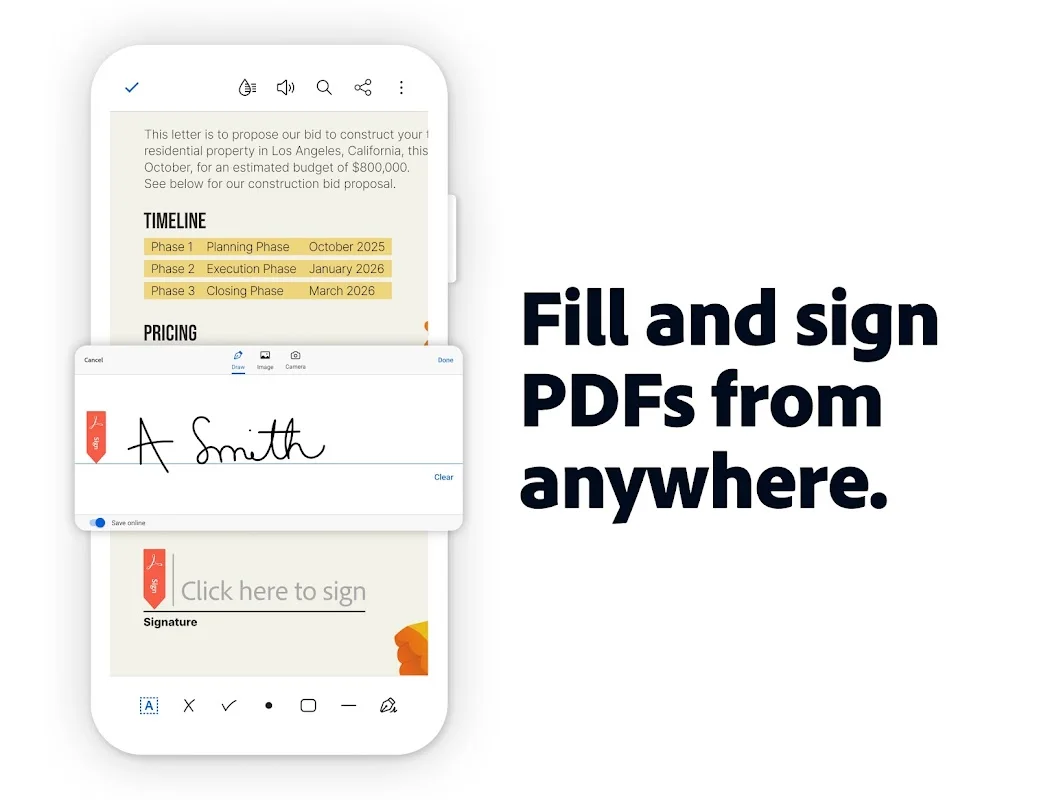
The app boasts numerous features to improve user experience, such as text highlighting, freehand comments, and sticky notes, facilitating document review. Users can fill out forms, sign PDFs with their fingers, and share files directly via email or cloud services.
Additional tools include converting PDFs to Word, Excel, or PowerPoint while preserving original formatting and fonts. Users can merge multiple PDFs into a single document or extract specific pages. The app supports file compression to reduce size without quality loss and password protection for sensitive documents, enhancing security.
Performance and User Experience
Adobe PDF Reader provides stable and smooth operation on Android devices, with quick response times. Its simple interface ensures easy access to core features, while advanced options cater to users seeking customization. The app handles large and complex files without lag and responds promptly to editing and annotation actions.
The Liquid Mode feature enhances reading comfort, especially on small screens, by reducing eye strain. Recent updates focus on performance improvements, reduced battery consumption, and better compatibility with new Android versions. Overall, Adobe PDF Reader offers reliable performance suited for both professional and academic users, making it a top choice for PDF management on Android.