Introduction to TickTick v4.8.6
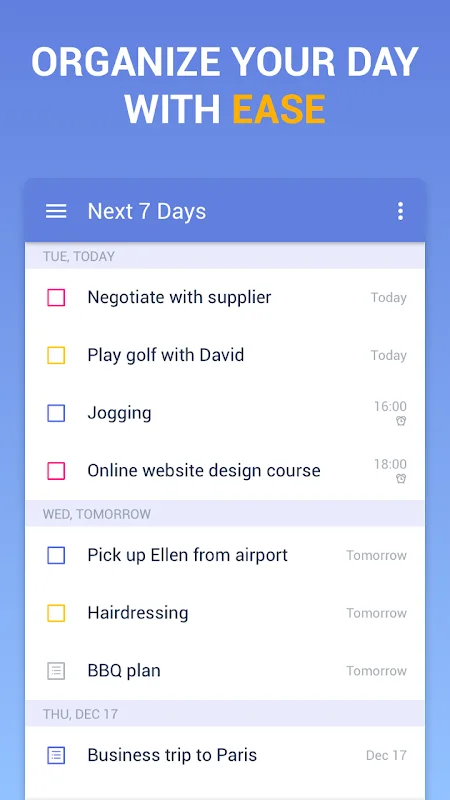
TickTick is a comprehensive task management app designed to help users organize their daily schedules and responsibilities effectively. Whether managing personal goals or professional projects, TickTick offers a user-friendly interface combined with powerful features that make task organization effortless. Its clean design allows users to quickly add, edit, and prioritize tasks, while customizable alerts and reminders ensure that deadlines are never missed.
One of the standout features of TickTick is its cloud synchronization, enabling users to access their tasks from any device at any time—be it a smartphone or a desktop. Tasks can be added via voice or manual input, with intelligent date analysis automatically setting deadlines based on user entries. The app’s simplicity is complemented by advanced tools such as task categorization, project management, and flexible recurring tasks, making it suitable for both casual users and productivity enthusiasts.
Comprehensive Task Management
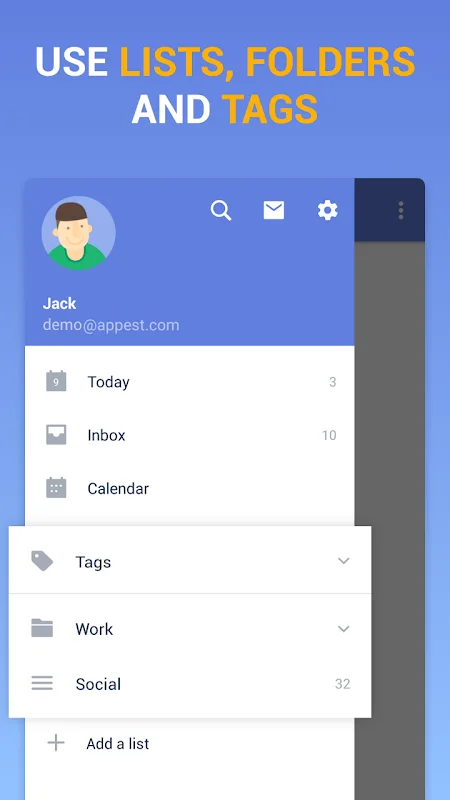
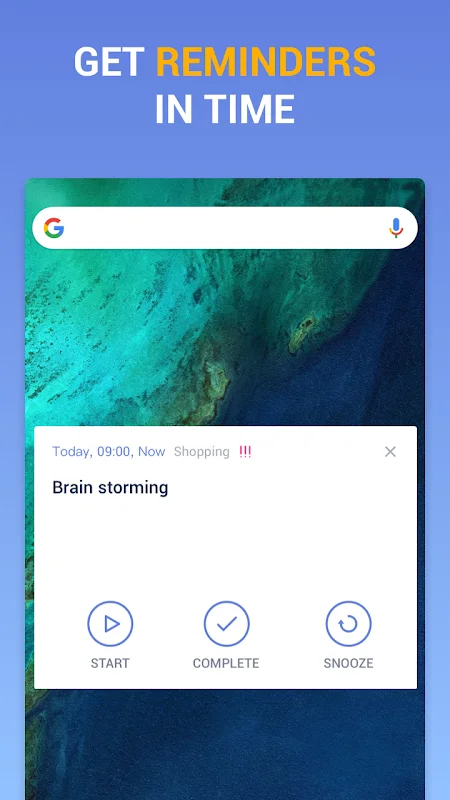
TickTick provides an all-in-one solution for managing daily tasks through lists, tags, and categories. It supports integration with external calendars like Google Calendar and Outlook, allowing users to view tasks within a unified schedule. The app’s notification system is highly customizable, enabling multiple reminders per task and recurring alerts to keep users on track.
Additional features include the ability to add notes, attach images or files, and collaborate with others by sharing lists. The interface can be personalized with different themes, and widgets provide quick access to tasks directly from the home screen. Continuous updates ensure that users benefit from the latest productivity tools, making TickTick an indispensable app for efficient time management.
User Experience and Performance
TickTick v4.8.6 delivers a stable, responsive experience, allowing users to manage tasks swiftly without lag. Its minimalist design reduces complexity, making task organization straightforward for everyday use or professional workflows. Compatibility with Android 6.0 and above ensures broad device support, maintaining high performance across most smartphones. Whether at work or on the go, TickTick’s reliable performance helps users stay organized and productive.