

Introduction to DuckDuckGo Privacy Browser
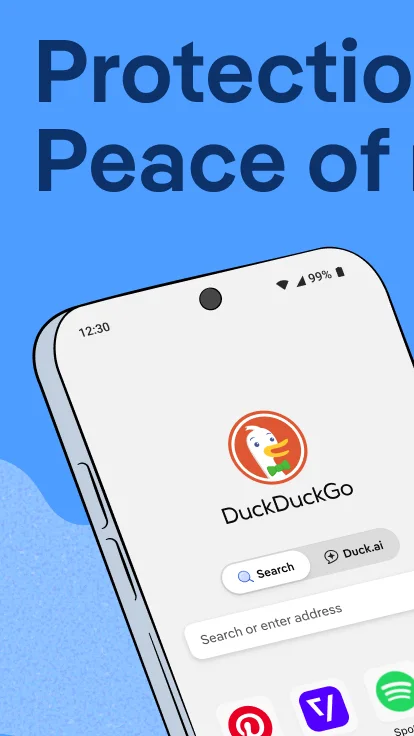
The DuckDuckGo Privacy Browser (version 5.299.0, 69.67 MB) is designed to provide a secure and private browsing environment on Android devices. It effectively blocks trackers from companies, safeguards user data, and ensures that your online activities remain confidential. Featuring an intuitive interface and fast performance, this browser is an ideal choice for users seeking enhanced privacy during their internet sessions.
Key Features and Benefits
The browser excels at blocking intrusive ads, including videos and pop-ups, which reduces distractions and speeds up browsing. It offers tools to control data tracking, allowing you to disable tracking scripts and cookies, thereby greatly increasing your privacy. Additionally, it supports encrypted connections and automatically forces HTTPS, reducing the risk of hacking. Secure data synchronization across devices using strong encryption is another advantage.
Privacy-Centric Experience
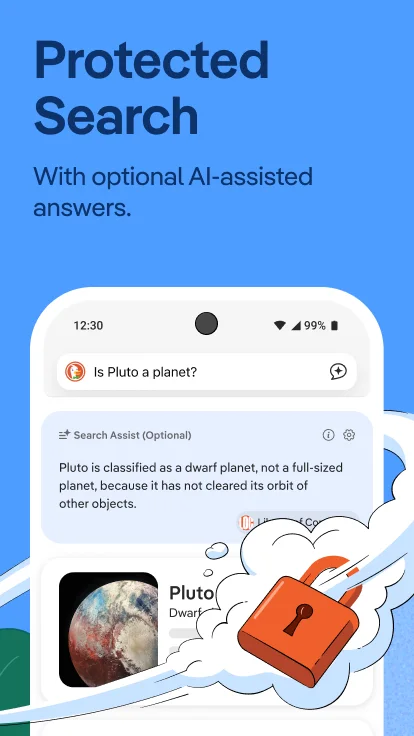
The main goal of the DuckDuckGo Privacy Browser is to deliver a browsing experience centered on protecting personal data. It includes a built-in search engine that does not track searches, ensuring complete confidentiality. The browser also employs advanced data compression techniques to enhance loading speeds and reduce data consumption, making it suitable for limited bandwidth or slow networks. Its simple, user-friendly interface allows users of all technical levels to easily access and manage privacy settings.
Unique Features for Enhanced Privacy
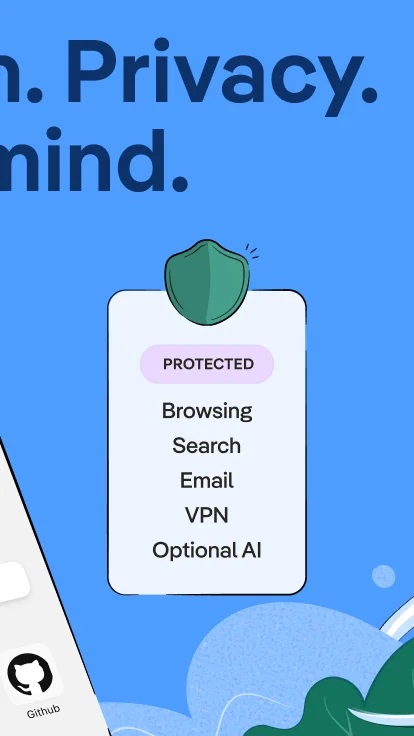
The browser blocks third-party trackers, prevents fingerprinting techniques, and encrypts all communications. It offers a straightforward interface to toggle privacy options, including blocking ads, disabling trackers, and managing data permissions. The ability to sync data securely across devices ensures a seamless experience without compromising security. Its low resource consumption and quick load times make it ideal for everyday use on Android devices running Android 6.0 or higher.