
Introduction to CPU-Z for Android
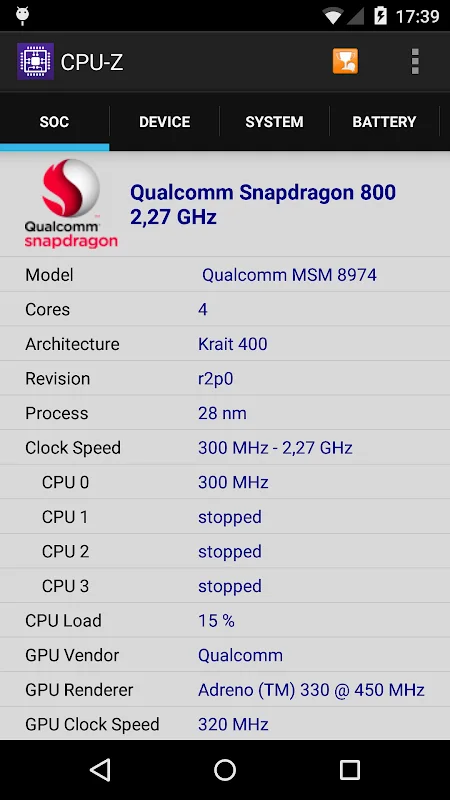
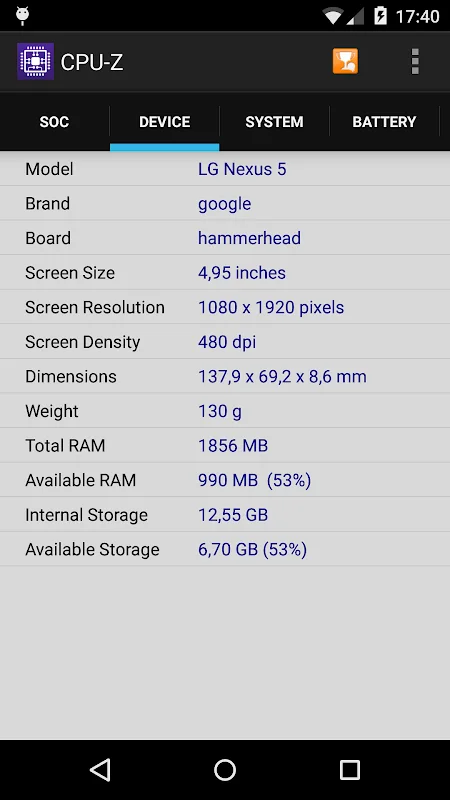
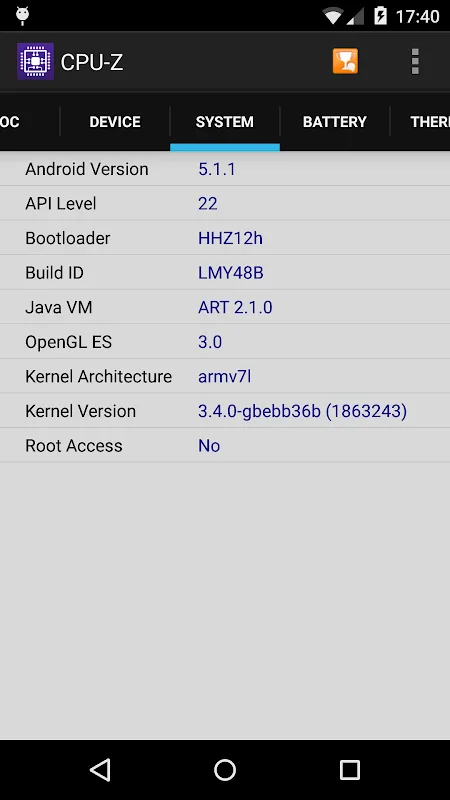
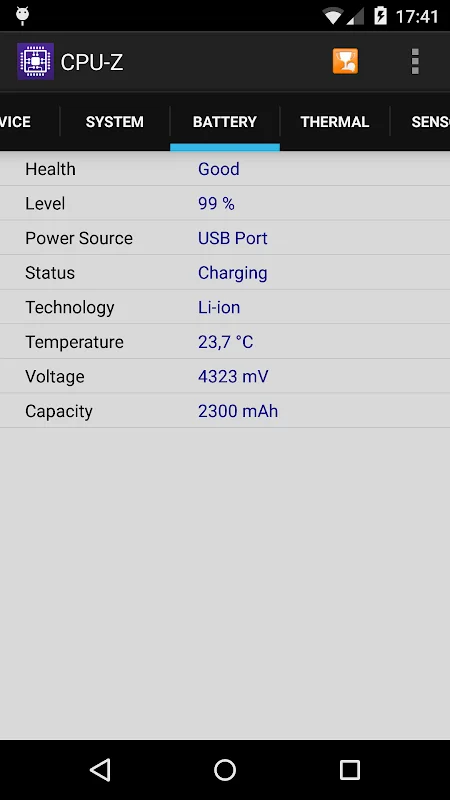
The CPU-Z application is an essential tool for obtaining detailed information about your Android device’s components, from the processor to memory and battery status. With its user-friendly interface, users can quickly access technical details, making diagnostics and maintenance straightforward. Downloading CPU-Z for Android is a highly effective way to monitor device performance and analyze resource consumption accurately.
Updated regularly, the app (v1.60, 5.1 MB) offers enhanced features and support for the latest Android versions, ensuring consistent performance and reliable data. Users can identify processor type, core speed, battery condition, and sensor performance, gaining a comprehensive understanding of their device’s hardware.
Comprehensive Overview of CPU-Z
CPU-Z for Android is a free, portable version of a well-known PC component identification tool. It provides detailed insights into hardware components, including processor name, architecture type, clock speed per core, and basic system info such as device name, screen type, RAM size, and storage capacity. Some features require internet access to verify data through online checks.
The app runs smoothly on Android devices from version 6.0 onwards, requiring necessary permissions for internet and network status to function correctly. It also displays battery status, temperature, charging capacity, and sensor data, delivering a complete overview of device performance.
Key Features of CPU-Z for Android
- Regular updates ensure compatibility with the latest Android OS.
- Simple interface for quick hardware checks.
- Accurate display of processor type, core count, and speed.
- Battery monitoring, including level, status, and temperature.
- Sensor data readings for performance analysis.
- Online verification for device data saving and tracking.
- Error reporting and troubleshooting options.
Performance and User Experience
CPU-Z delivers fast response times and clear data presentation, with information available within seconds of opening the app. Its efficient design consumes minimal battery and system resources, allowing continuous use without impacting device performance. The user interface is streamlined, with organized data display and options for data validation or updates. The app’s error reporting feature helps developers address issues promptly, ensuring reliable operation.
Installation Requirements
To install CPU-Z on Android, the device must run Android 6.0 or higher, with at least 5.1 MB of free storage space. The app can be downloaded from trusted sources via direct links, with necessary permissions granted for internet and network access to enable full functionality.