
Introduction to Fossify File Manager
The Fossify File Manager app is a powerful tool designed to efficiently manage files on your Android device. It offers high speed and an intuitive interface that allows users to organize their data effortlessly. Easy to download, Fossify File Manager (v1.6.4, 9.57 MB) provides data protection features and customizable interfaces to suit various user preferences.
This application simplifies searching and organizing files, supporting system file management, external drives, and internal storage. Its latest update enhances performance and introduces new features, making it a reliable choice for users seeking a straightforward and efficient file management solution.
Comprehensive Overview of Fossify File Manager
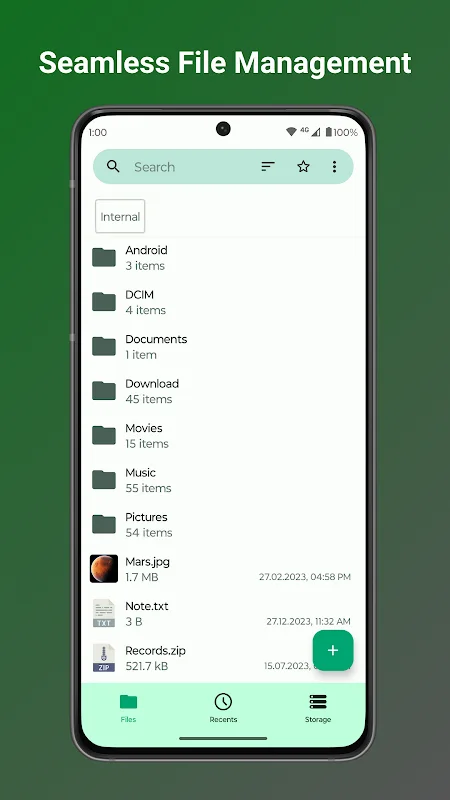
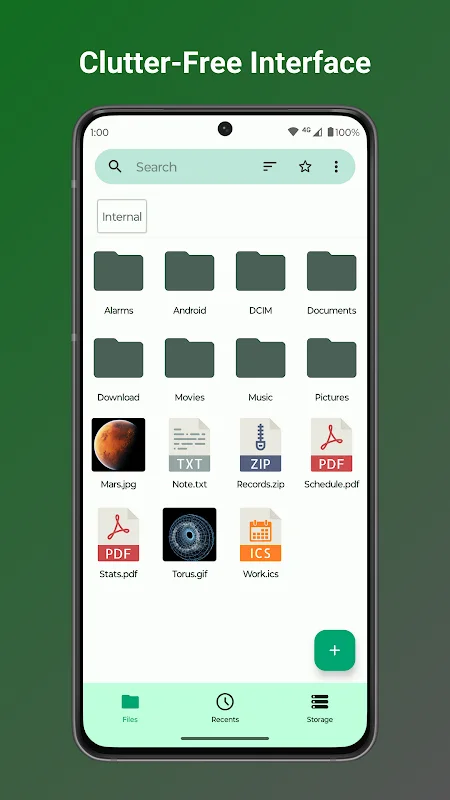
The app features a simplified, smooth interface that enables users to browse all types of files easily, whether stored internally, externally, or connected via USB or SD cards. Frequently accessed folders can be pinned through custom settings, saving time during searches and navigation. It also supports file compression and extraction, facilitating data management and saving storage space.
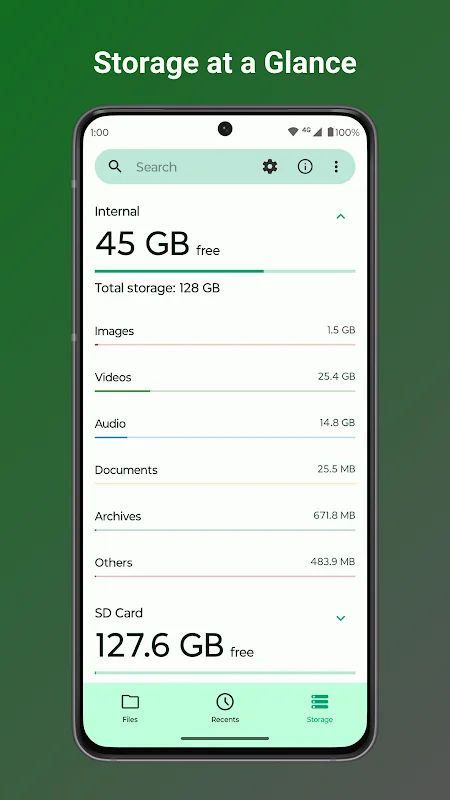
Additional tools include options for copying, deleting, and renaming files directly, with full support for viewing all file types. Users can quickly access content with shortcuts on the home screen, and manage files on external storage devices seamlessly. Storage analysis tools help identify space-consuming files for easy cleanup, enhancing device efficiency. Advanced features include system file management and root access capabilities, ensuring comprehensive control over your device’s data.
Key Features of Fossify File Manager for Android
- High-speed file navigation and management
- Smart search based on name, type, or date
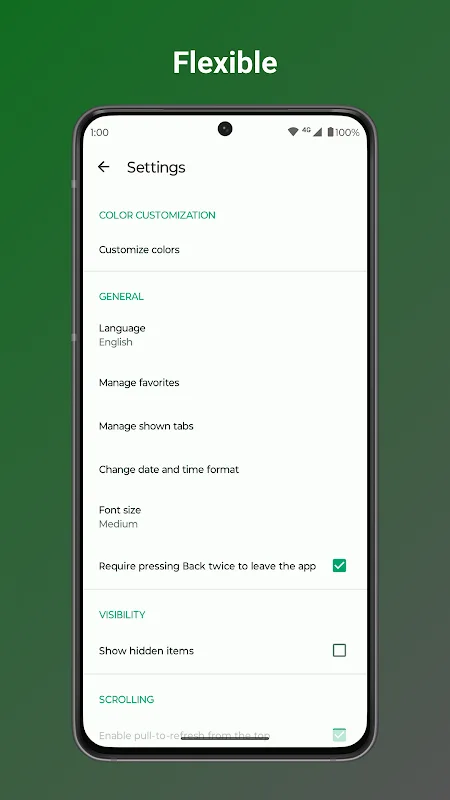
- Customizable interface with color, icon, and theme options
- File protection via password or fingerprint security
- Quick access shortcuts for important files
- Support for managing external storage devices
- Storage analysis and cleanup tools
- Management of system files and root access
Experience and Performance
Fossify File Manager provides a comfortable user experience thanks to its simple, organized interface. Navigating between files and folders is fast and straightforward. Drag-and-drop support, along with editing and reading tools, makes file management efficient.
The app runs smoothly with low battery and system resource consumption, ensuring continuous operation without lag. Regular updates improve performance and add new features while maintaining data security and privacy.
Installation and Requirements
To install Fossify File Manager, your device must run Android 6.0 or higher. The APK file is small (under 10 MB), making it easy to download and install even on devices with limited resources. Download the APK from trusted sources, enable installation from unknown sources in your device settings, then follow standard installation steps by tapping the file and completing the setup. Once installed, you can start managing your files immediately.