
Introduction to Fossify Gallery
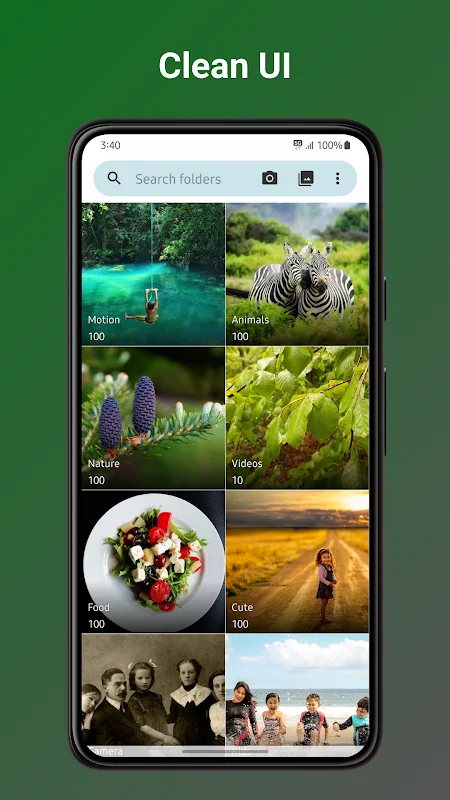
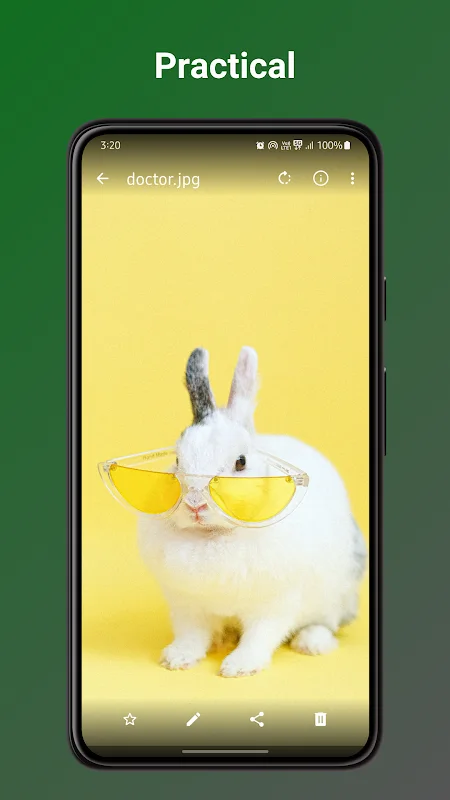
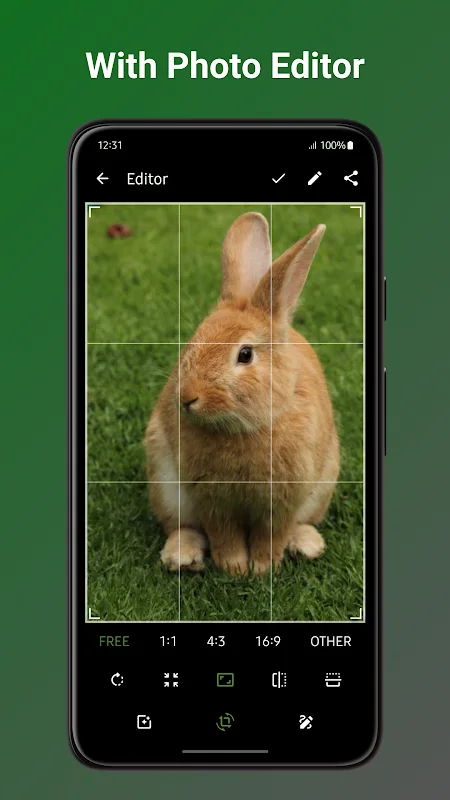
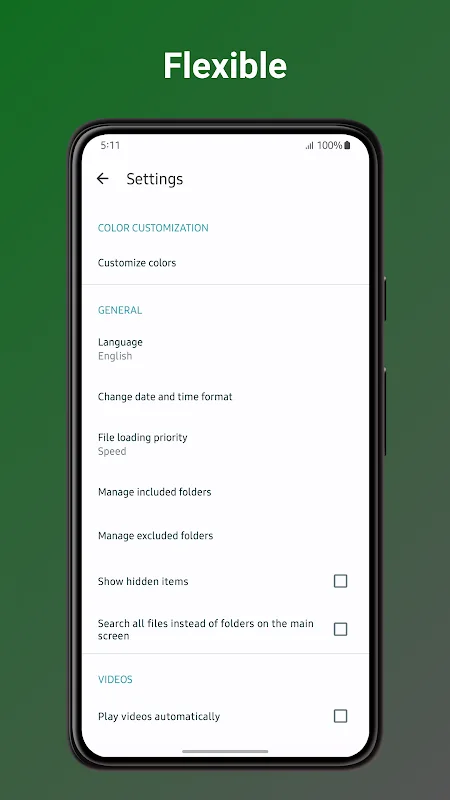
Fossify Gallery is a versatile application designed to provide users with a simple and reliable way to organize their photos and videos while fully protecting their privacy. The app features a clean, intuitive user interface, complemented by numerous customization options that allow users to tailor the look and functionality to their preferences. With built-in editing tools, users can perform basic adjustments such as cropping, rotating, and applying filters and color corrections directly within the app, eliminating the need for external editing software.
Central to Fossify Gallery’s philosophy is safeguarding personal data. It automatically removes metadata that could reveal the location of the shot or camera details, ensuring complete privacy. Supporting a wide range of formats—including JPEG, PNG, MP4, and GIF—it serves as the perfect solution for storing and organizing all types of media. Regular updates guarantee stable performance and ease of use on Android devices from version 6.0 onwards.
Comprehensive Overview of Fossify Gallery
The app offers a comprehensive experience for managing images and videos securely and efficiently. Its modern Material Design-inspired interface is enhanced with dynamic themes, allowing users to customize the appearance. Navigation is swift thanks to well-organized categories and advanced search tools that facilitate quick access to media files. The interface remains ad-free, providing a smooth and distraction-free user experience.
Privacy remains a priority: users can remove metadata from their files and protect sensitive content with passwords or fingerprint authentication. The app also supports recovering deleted files from the trash, reducing the risk of accidental data loss. With a small footprint and minimal resource requirements, Fossify Gallery performs efficiently across various Android devices, making it accessible to all users.
Key Features of Fossify Gallery
- Built-in photo editing with cropping, rotation, filters, and color adjustments
- Basic video editing capabilities, including trimming and effects
- File protection via password or fingerprint lock
- Metadata removal to enhance privacy
- Support for multiple formats: JPEG, PNG, RAW, SVG, MP4, GIF
- Customizable interface with color schemes and icons
- Advanced organization tools with tags and folders
- Smooth performance on resource-limited devices
- Regular updates for performance and security improvements
- User-friendly, modern interface
User Experience and Performance
Fossify Gallery delivers fast, responsive performance, effortlessly browsing large collections of media. The streamlined interface makes finding and categorizing files simple using customizable tags and folders. The app remains stable across devices, ensuring a reliable experience whether managing a few or thousands of images and videos.