Introduction to KDE Connect for Android
KDE Connect is a powerful application designed to seamlessly integrate your Android device with your computer, providing a smooth and efficient way to manage tasks and share data. The latest version, v1.37.2, introduces significant improvements that enhance performance and user experience.
Features and Functionality
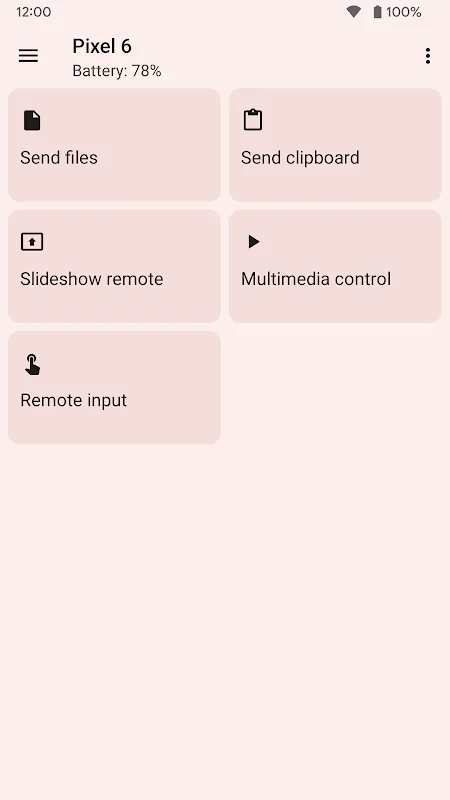
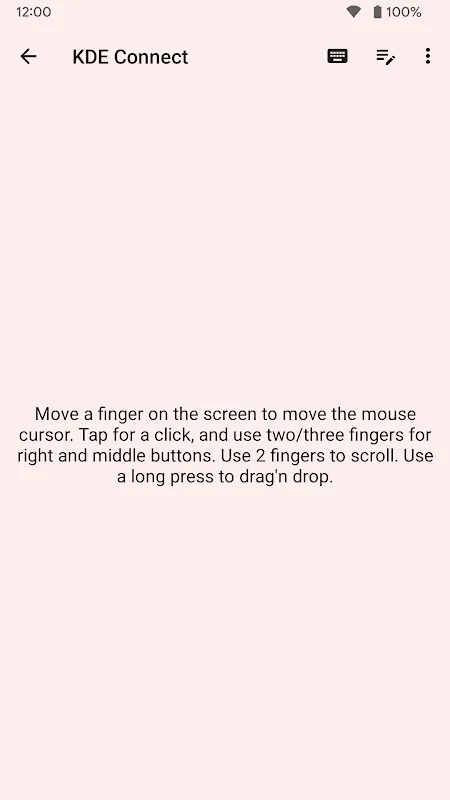
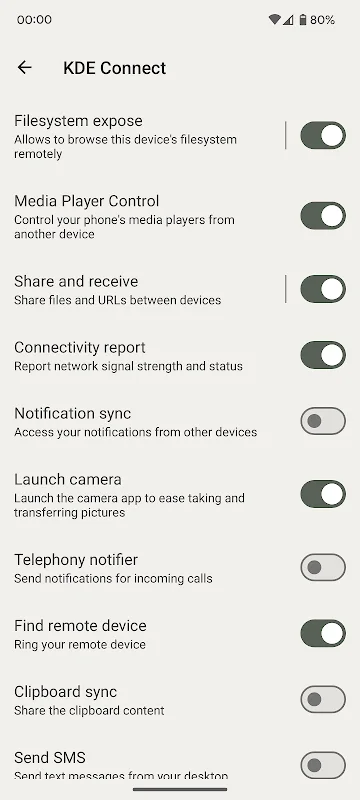
This app allows users to transfer files effortlessly, view notifications directly on their PC, and even use their phone as a touchpad for controlling their computer. It supports secure data transfer over local Wi-Fi networks, utilizing TLS encryption to safeguard your information. Additionally, the app enables clipboard sharing between devices, remote media control, and instant alerts, streamlining daily workflows.
Security and Compatibility
Designed to operate solely on local networks, KDE Connect emphasizes data security through encrypted communication channels. It requires installation on both your Android device and your computer, with continuous updates to ensure reliability and stability. The app is compatible with Android 6.0 and above, making it accessible to most users.
User Experience and Performance
The latest update offers a fast and responsive interface, minimizing lag and ensuring smooth interactions. Its simple design allows users to quickly access features without complicated setup processes. Regular updates fix bugs and optimize performance, while low power consumption ensures your device’s battery life remains unaffected during extended use.
Getting Started with KDE Connect
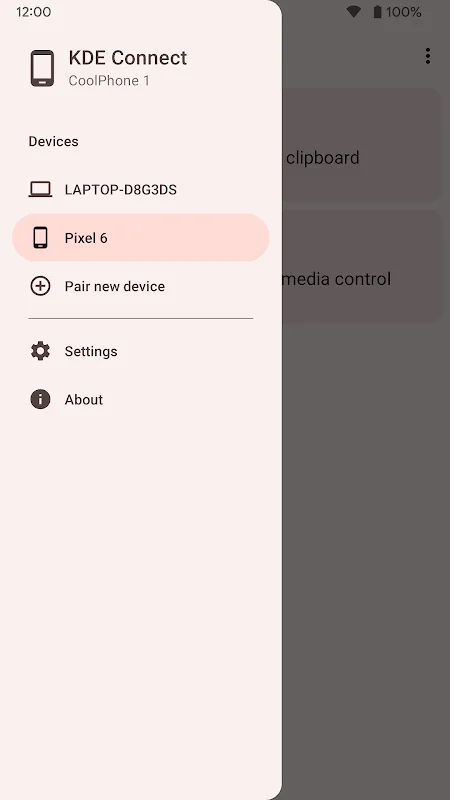
To set up, download and install the app from the Google Play Store and the official website for your PC. Enable Wi-Fi on both devices, pair them via the app, and start enjoying a more connected and productive digital environment. The installation process is straightforward, and detailed instructions are provided for a hassle-free experience.