Overview of LocalSend File Transfer App
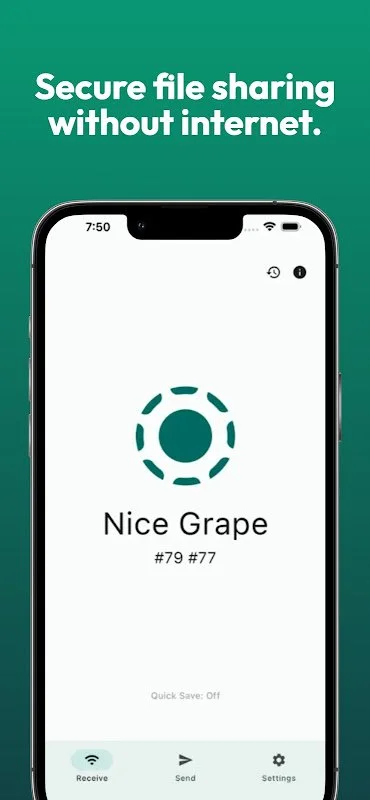
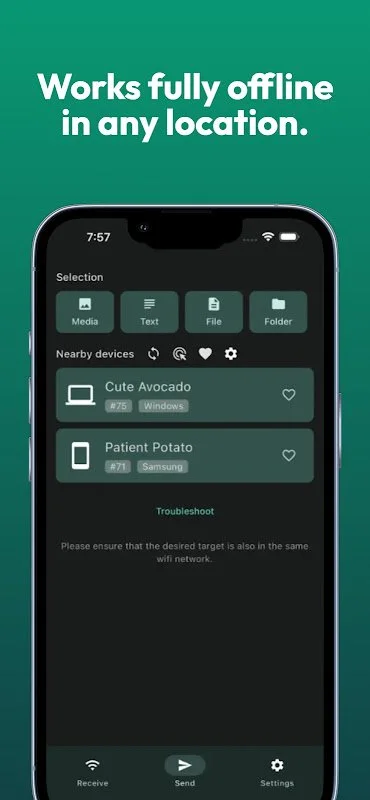
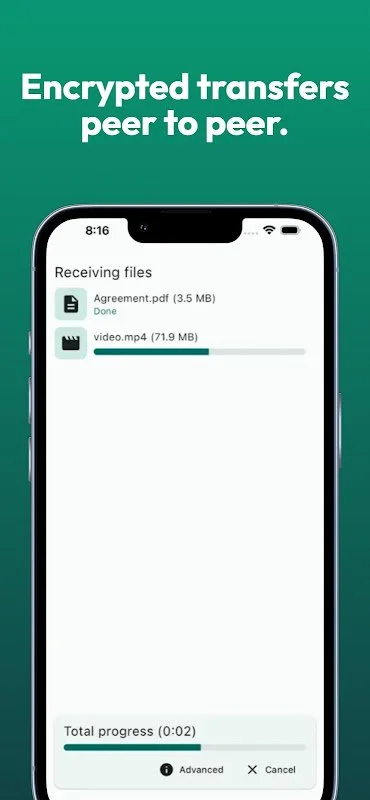
LocalSend is a cutting-edge application designed to facilitate quick and secure data transfer between devices without the need for internet connectivity. Operating entirely over local networks such as Wi-Fi or LAN, it provides a high level of encryption to ensure the confidentiality of your data. This makes it an ideal choice for organizations and teams that prioritize security and privacy, especially in sensitive work environments or areas with limited internet access.
The app boasts a user-friendly interface and impressive speed, enabling users to transfer large and small files effortlessly. Its compatibility with multiple operating systems, including Android, iOS, Windows, macOS, and Linux, makes it a versatile tool for diverse users seeking a reliable and flexible solution for instant, secure data sharing.
Features and Benefits
LocalSend is specifically crafted to guarantee fast, reliable, and secure file transfers. It emphasizes data confidentiality by leveraging full encryption protocols like TLS, preventing any interception or hacking attempts. The simple and intuitive interface ensures that users of all technical levels can operate it with ease. The application is widely adopted in high-security environments such as defense agencies, corporations handling sensitive data, and isolated network settings.
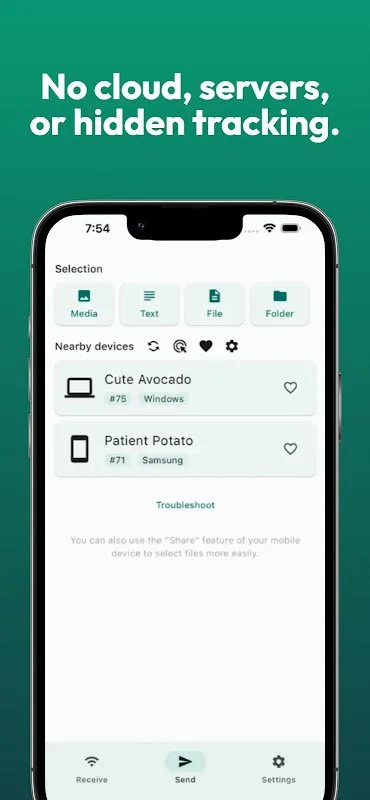
Key features include complete data encryption, support for transferring large files, compatibility with various wireless networks, and a customizable interface tailored to user needs. Additionally, it operates without ads or tracking, enhancing user privacy. The open-source nature of the app allows security teams and developers to verify its integrity and transparency, fostering trust and security.
Performance and User Experience
LocalSend offers high-speed data transfer capabilities, allowing users to move sizable files within minutes while maintaining data integrity. The setup process is straightforward, requiring minimal steps before starting transfers. Its stable performance consumes low battery and system resources, ensuring continuous operation even on mid-range or low-spec devices. The app also supports resuming interrupted transfers, making it highly flexible and efficient.
Installation and System Requirements
To install LocalSend, devices must run Android 6.0 or higher. The official APK can be downloaded from trusted sources or the official website. Before installation, enable the option to install apps from unknown sources in device settings. Once downloaded, install the app by tapping the APK file and following on-screen instructions. For optimal transfer stability, close other applications and ensure devices are connected to the same Wi-Fi or LAN network. After installation, launch the app to establish device connections and begin secure, rapid file transfers.