
Overview of RAR Archive Tool for Android
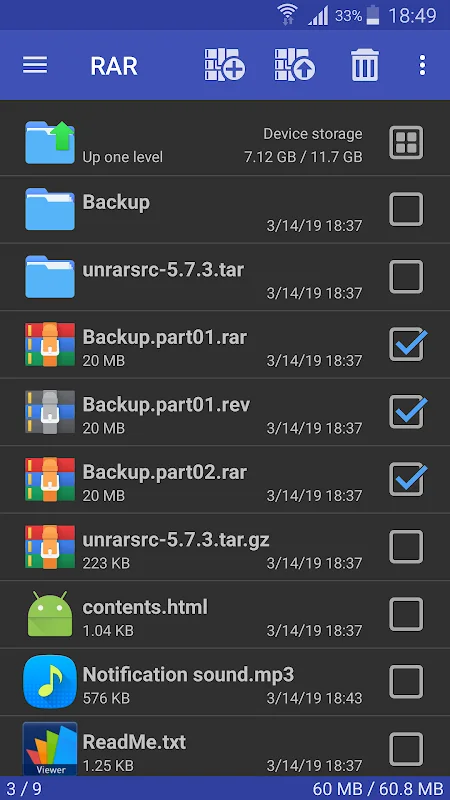
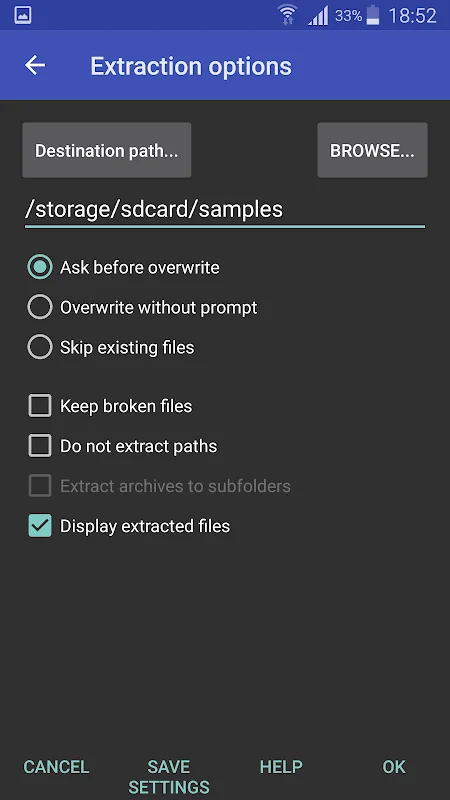
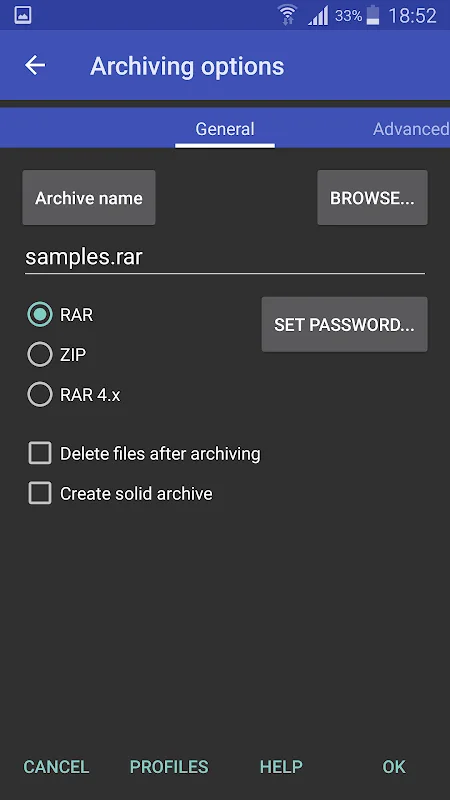
The RAR Archive Tool is a comprehensive application designed for managing compressed files on Android devices. It allows users to create and extract archives in formats such as RAR and ZIP quickly and effortlessly. The app features an intuitive interface, enabling users to handle various archive types, including ZIPX, 7z, and ISO, with options for encryption and password protection to keep files secure. Additionally, it provides full file management capabilities—copying, deleting, and moving files—thus simplifying data organization on smartphones and tablets.
The latest version, v7.23.build134, emphasizes high performance by leveraging multi-core processing capabilities, significantly speeding up compression and extraction processes. This update also enhances app stability and responsiveness, with an improved interface that makes accessing tools and features straightforward. With a compact size of just 4.24 MB, it is lightweight and suitable for everyday use without draining device resources.
Comprehensive Features of RAR for Android
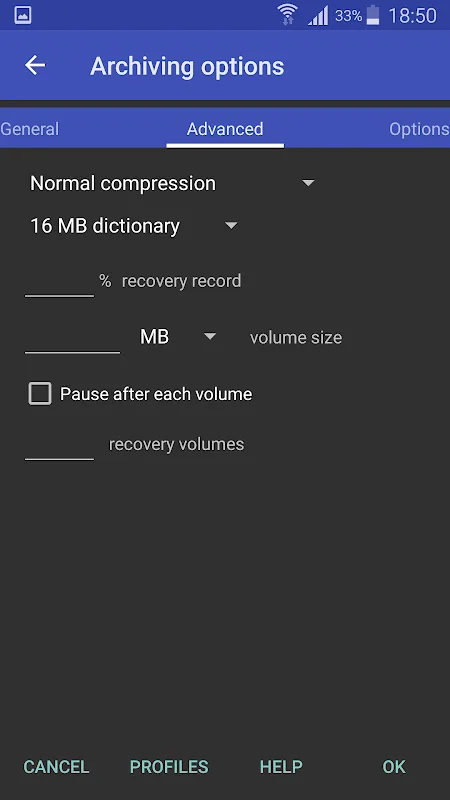
RAR is an essential tool for users seeking a fast, reliable solution for file compression and extraction. It supports multiple archive formats, including RAR, ZIP, 7z, ISO, and more, with advanced features such as creating multi-part archives and handling password-protected files. The app utilizes multi-core processing to accelerate operations, making large file handling more efficient.
Beyond basic compression and extraction, RAR offers robust file management tools—copy, move, delete, and rename files, create new folders, and even install APK files directly. It also includes a data recovery feature, allowing users to repair damaged archives and reduce data loss, thus enhancing reliability. The app’s security features include password encryption and the ability to create tamper-proof compressed files, ensuring safe data transfer and storage.
Designed to be lightweight, the app maintains a small footprint, making it perfect for daily use on Android devices. Its continuous updates guarantee compatibility with the latest Android versions, ensuring a seamless user experience.
User Experience and Performance
Users appreciate the speed and efficiency of RAR, which takes full advantage of multi-core processors to handle large files rapidly. The user interface is user-friendly, with organized tools that allow quick access to compression, extraction, and file management functions. The app responds swiftly during operations, providing clear alerts for errors or corrupted files, simplifying troubleshooting.
Regular updates ensure stability and compatibility, making RAR a trusted choice for Android users who need a dependable, high-performance archive manager.