Introduction to Total Commander
Total Commander is a powerful file management application designed for Android devices, offering a user-friendly interface combined with a wide array of tools to efficiently handle files. Whether you need to copy entire folders, modify file permissions, or connect to network services, this app provides advanced options to meet professional and casual needs alike.
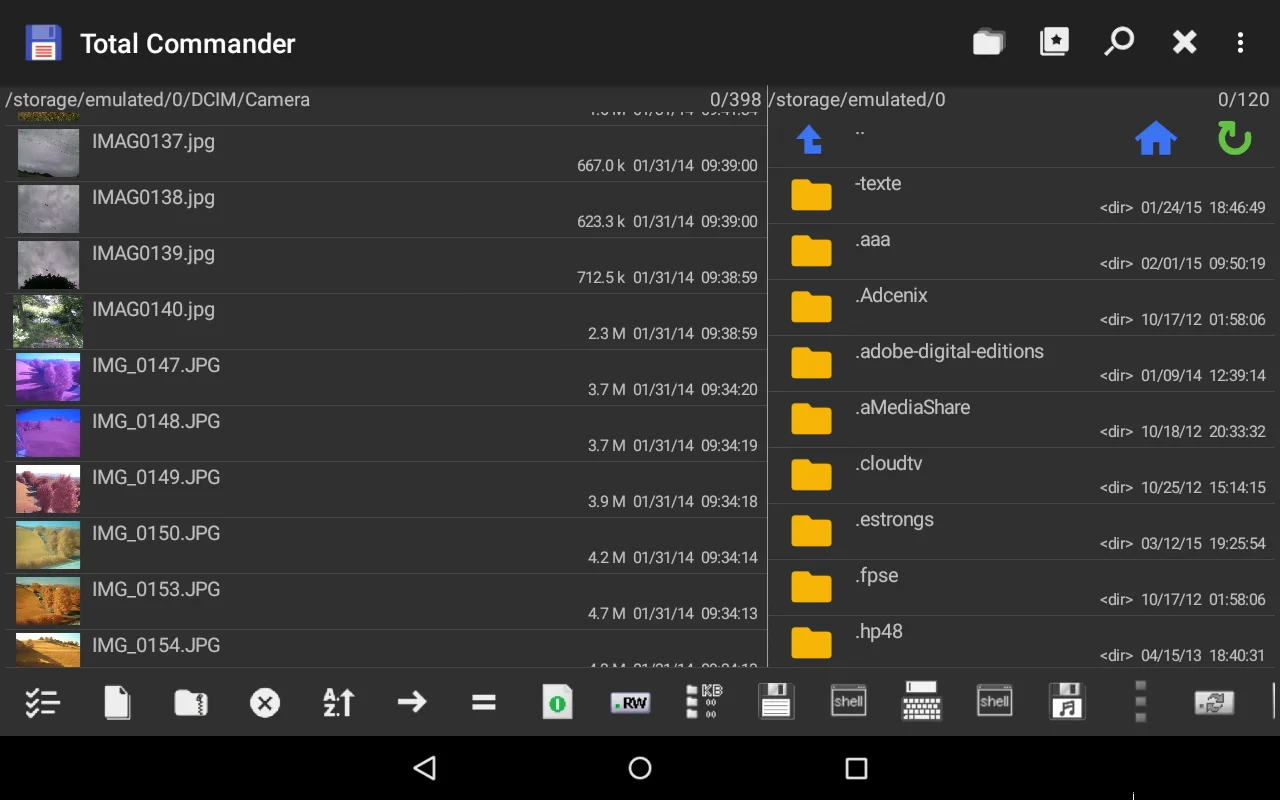
Built to operate smoothly on Android 6.0 and above, Total Commander supports functions such as browsing, editing, encrypting, and connecting to various network services. Its dual-pane interface simplifies file transfers between directories or devices, making file management intuitive and quick.
Key Features and Capabilities
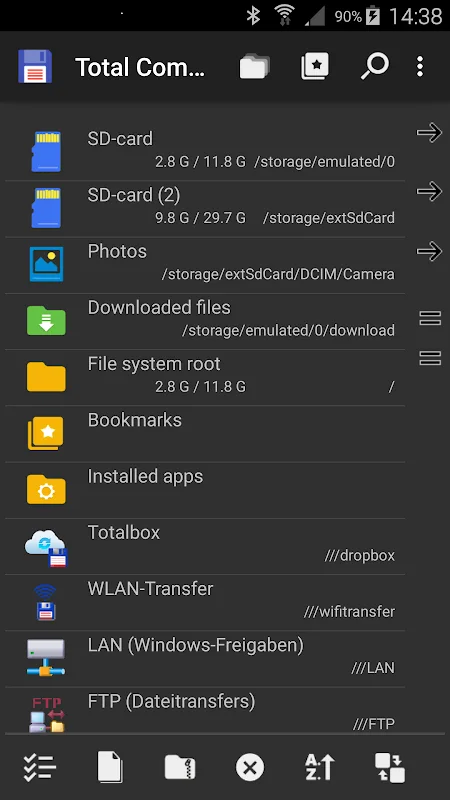
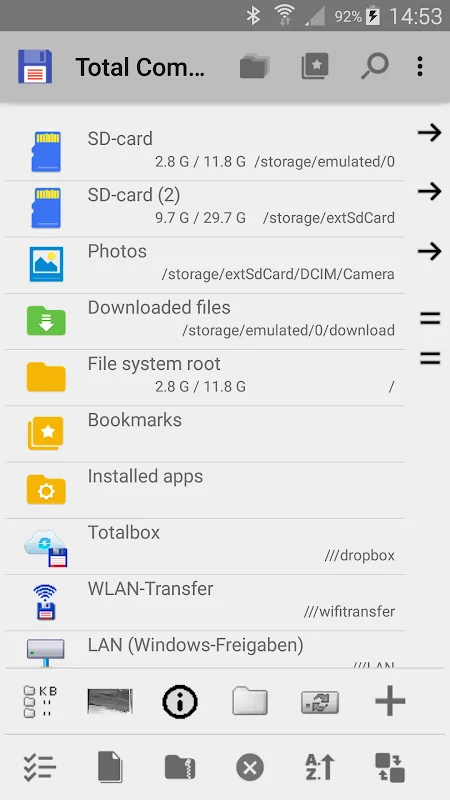
The app supports comprehensive network protocols like FTP, SFTP, WebDAV, and LAN, enabling seamless management of files across devices and servers. Its ability to handle ZIP and RAR archives, edit text files, and manage permissions makes it a versatile tool for power users. Additionally, integration with cloud services like Google Drive, OneDrive, and Dropbox via plugins extends its functionality further.
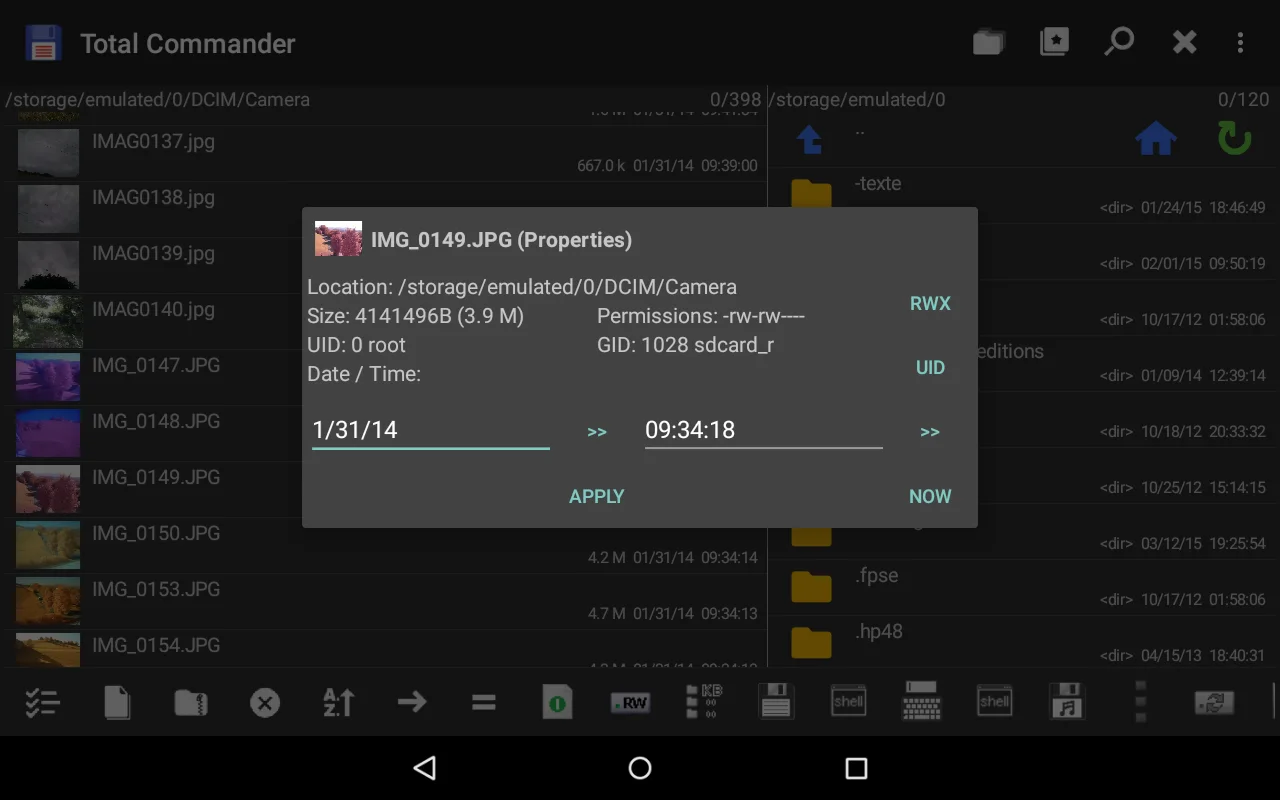
Other notable features include drag-and-drop support, full folder copying, direct editing of file properties, and media playback directly within the app. These tools make Total Commander an all-in-one solution for file management on Android.
User Experience and Performance
The application offers high responsiveness, with a clean, organized interface that allows users to access tools swiftly. It remains stable even when handling large files or multiple operations simultaneously, ensuring efficient workflow without crashes or delays.
Navigating through directories, managing network connections, and customizing the interface with favorite lists or search options enhances user productivity. The app also supports root access for advanced users needing to modify system files.
Installation and System Requirements
To install Total Commander, ensure your device runs Android 6.0 or higher, with at least 7MB of free storage space. Sufficient RAM is recommended for smooth operation, especially when working with large files or multiple tasks concurrently.
The APK file can be downloaded from trusted sources. Remember to enable installation from unknown sources in your device settings before proceeding with the installation.