Overview of ZArchiver File Manager
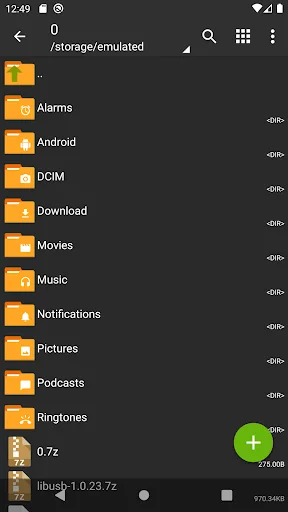
ZArchiver is a highly capable application designed for efficient archive management on Android devices. It allows users to create and extract various compressed file formats quickly and easily. The application features a simple, intuitive interface that supports comprehensive file management without requiring internet access, ensuring enhanced privacy and security.
With its latest update to version 1.0.10, ZArchiver introduces significant performance improvements and expanded support for multiple archive formats along with new features that streamline handling compressed files. Whether for backup purposes or organizing files, ZArchiver offers a reliable solution. The app can be easily downloaded via APK or from app stores, compatible with Android 6.0 and above.
Key Features of ZArchiver
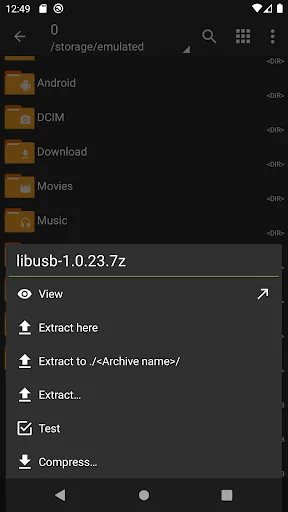
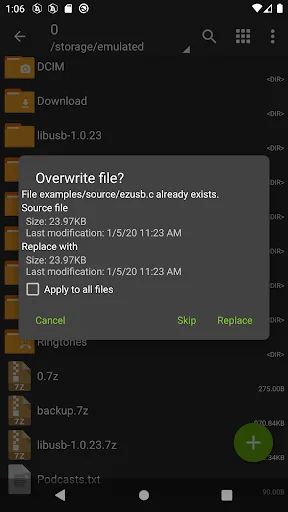
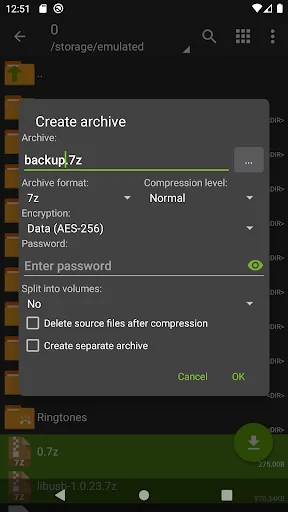
ZArchiver supports creating and extracting over 30 archive formats, including ZIP, 7z, RAR, TAR, and more. Users can add or remove files within archives, encrypt archives with passwords, and split large archives into smaller parts. The app also allows opening compressed files directly from emails or other apps, facilitating easy extraction of multi-part or large-sized archives. Additionally, APK and OBB files can be installed directly from archives, simplifying app and large file installations.
Designed for ease of use, ZArchiver provides a smooth experience with fast response times and a user-friendly interface. It supports opening compressed files without full extraction, speeding up data access. The app consumes minimal system resources, making it suitable for mid-range devices and ideal for personal or professional file management needs. Regular updates enhance performance and add new features, ensuring a reliable user experience.